




For those currently using Y!mobile
How to use eSIM on a new smartphone

For those who want to use iPhone 17(Currently iPhone XS/XR or later)

*Only eSIM is available for iPhone 17.

iPhone XS/XR or later

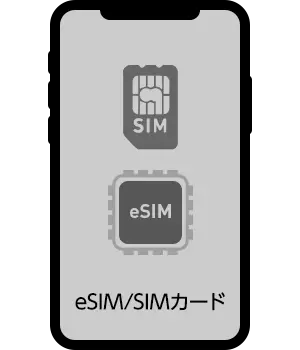
eSIM/SIM card
→

iPhone 17

eSIM

With "eSIM Quick Transfer," you can easily use an eSIM on your new iPhone.
No online store procedures are required.

Learn more about eSIM Quick Transfer

How to change the SIM card on your device

current
Model used
Currently in use
SIM Type
On iPhone 17
When to use
iPhone XS/XR
onwards
SIM card eSIM Quick Transfer
eSIM
iPhone X
Previously
SIM card In the online store
Apply for a SIM type change
Android SIM card
eSIM Apply at the storeApply at the store
current
Model used
Currently in use
SIM Type
With SIM card
When to use
iPhone eSIM In the online store
Apply for a SIM type change
Android

各手数料についてはこちらよりご確認ください。

  • *If you wish to change the SIM type from an Android SIM card to an eSIM, you will need to apply through the online store.
    (If you purchase a Pixel from SoftBank, you may be able to use Android eSIM transfer.)

Those who want to use eSIM from iPhone X or older or Android SIM card on a new model

Please apply for a SIM type change at the online store and complete the activation procedure.

  • *Please apply from a smartphone that you are currently using Y!mobile.

Apply for a SIM type change

If you are a new Y!mobile customer, please check out the products below.

Check out other products

Return to Home