






This may vary depending on the OS version and model.
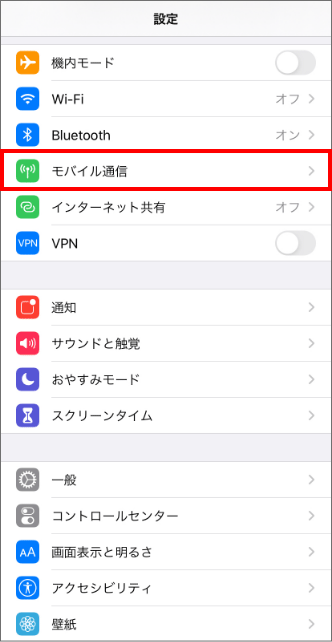
Open the "Settings" app on the home screen and tap "Cellular" or "Mobile Data."
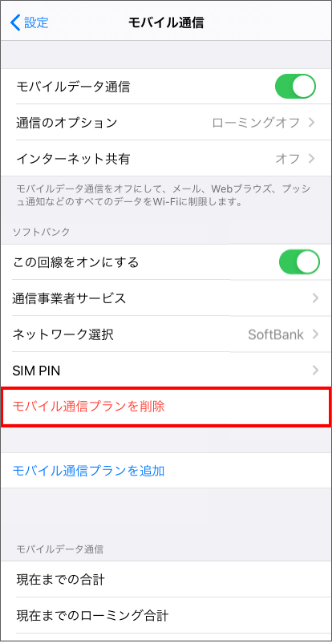
Tap Remove Cellular Plan.
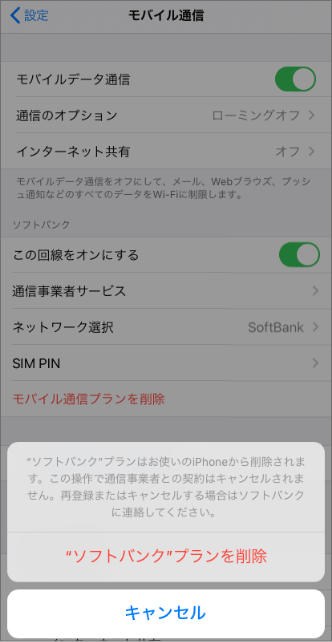
Just delete it and you're done (you'll be asked to confirm twice).
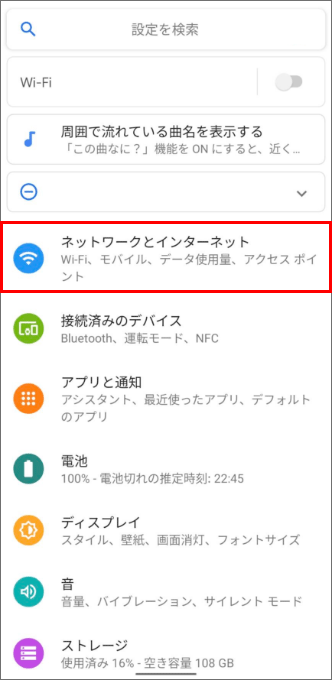
Open the Settings app on your Home screen and tap Network & Internet.
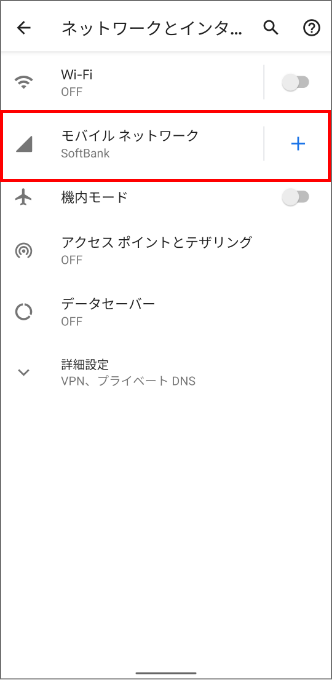
Tap Mobile Networks.
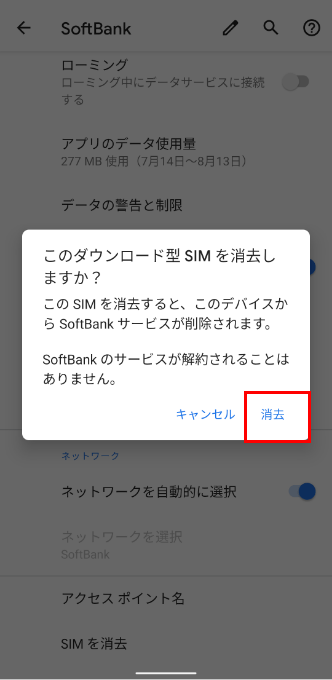
Tap "Advanced Settings" and you will see "Erase SIM".
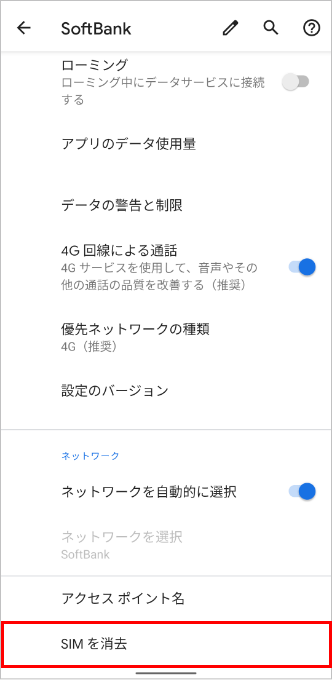
Click "Delete" and you're done.