





We will explain the procedure for applying when switching from another company to Y!mobile or from SoftBank /LINEMO.

Your current mobile phone company will process the issuance of your MNP reservation number.
Please check here for application procedures for each mobile phone company.
If you are transferring your number from SoftBank /LINEMO, you do not need to issue an MNP reservation number.
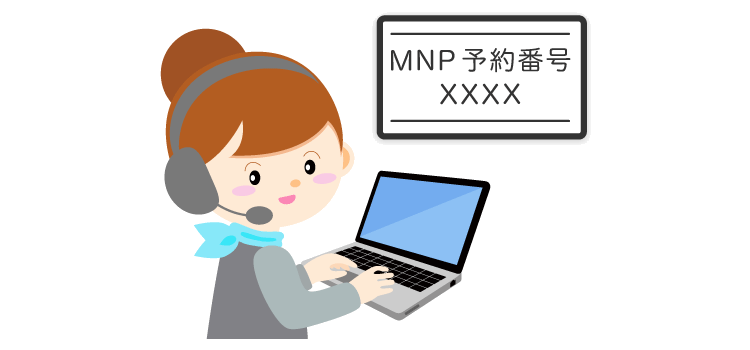
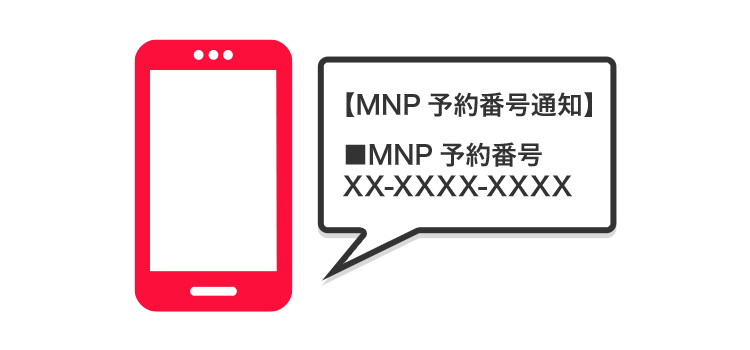
You will receive an MNP reservation number from your current mobile phone company.
You will complete the new contract procedure at Y!mobile.
Please check here for the items you need to bring with you for the procedure.
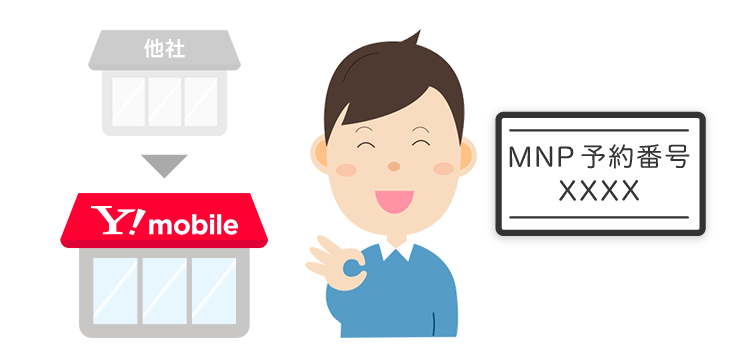
To transfer your current phone number to Y!mobile, you will need to apply for an MNP reservation number from your current mobile phone company.
Please see below for application procedures for each mobile phone company.
| Feature Phones | 151 |
|---|---|
| Fixed line phone | 0120-800-000 |
| Business hours | 9:00~20:00 |
| Online procedure | My docomo → Login |
|---|---|
| Business hours | 24 hours (Excluding system maintenance times) |
| Mobile phone/landline | 0077-75470 |
|---|---|
| Business hours | 9:00~20:00 |
| Online procedure | My au → Login |
|---|---|
| Business hours | 24 hours (Excluding system maintenance times) |
| Mobile phone/landline | 0120-001-659 |
|---|---|
| Business hours | 9:00-20:00 (Open all year round) |
| Online procedure | my UQ mobile → Login |
|---|
| Mobile phone/landline | 050-5434-4653 |
|---|---|
| Business hours | 9:00~17:00 |
| Online procedure | Members Station → Login |
|---|---|
| Business hours | 24 hours (Excluding system maintenance times) |
| Online procedure | my Rakuten Mobile → Login |
|---|---|
| Business hours | 24 hours (Excluding system maintenance times) |
The MNP reservation number you received from your current mobile phone company is required to sign a contract with Y!mobile.
When switching to Y!mobile (MNP/number porting), the documents required will vary depending on the procedure, so please check in advance.
The procedure for switching to Y!mobile (MNP/number porting) can be done at a Y!mobile shop or online store.
We will inform you of the precautions you should take when switching to Y! Y!mobile!

If you switch to Y!mobile, your original service will be canceled once the transfer (activation) procedure with Y!mobile is completed.

You cannot transfer the email address issued by your previous mobile phone carrier.
Please also check other precautions.