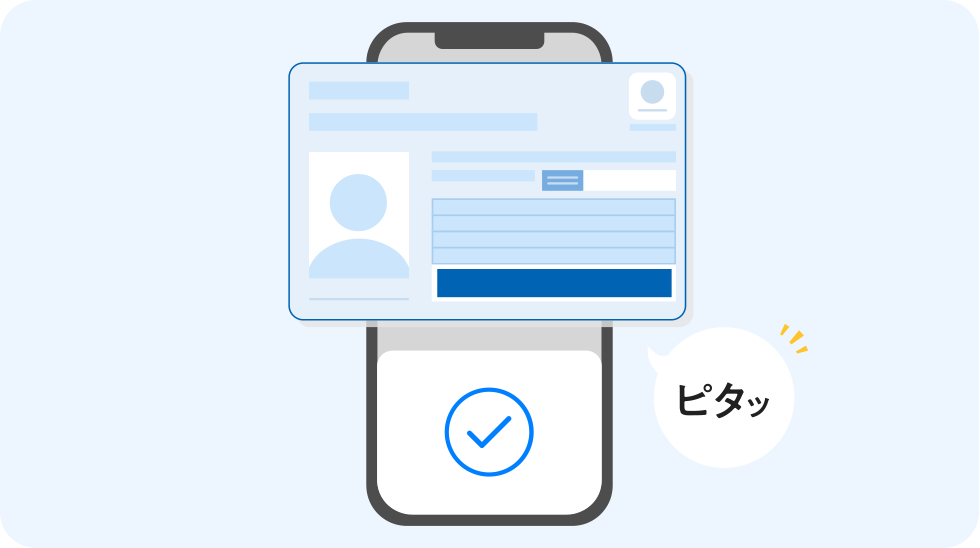
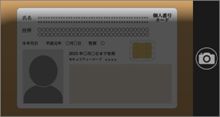
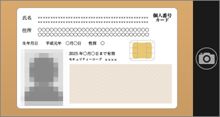
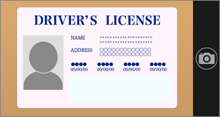
Please install this as it is necessary for IC reading.
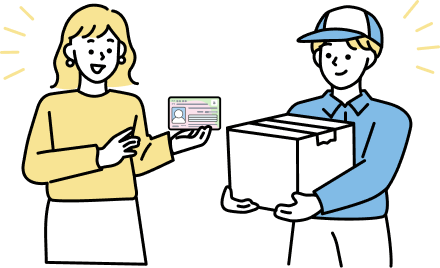
Please prepare identification documents that show your current name and address, and proceed with identity verification using the My SoftBank app.
You will need your PIN, so please have it ready. Details here.
Please prepare one of the following items (1) through (5), along with the corresponding identification document.
- ※If the address registered on your identification document differs from your current address, you will not be able to complete the identity verification process through the app. Please complete the procedure through identity verification by the delivery person.
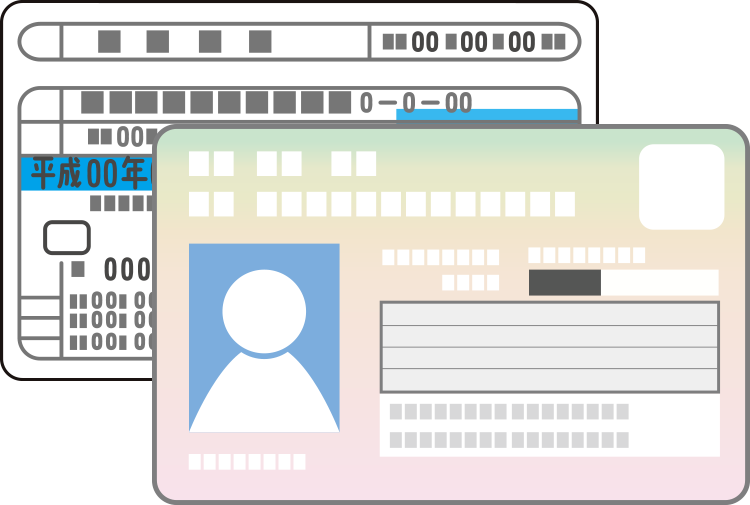
(1) My Number Card (Individual Number Card)
When verifying your identity through the app, you will need your digital signature certificate PIN (6 to 16 alphanumeric characters, all uppercase) when reading the IC chip.
- *If you have forgotten your digital signature certificate PIN, you can use the number printed on your card to complete the procedure.
- 1. Documents that include a photograph and current address.
- 2. The facial photograph matches the person in question.
- 3. Items within their expiration date
(2) Driver's license
If you use the app for identity verification, you will need PINs 1 and 2 (the 4-digit numbers you set when you received your driver's license) when reading the IC chip.
- *If you make three consecutive incorrect attempts, your account will be locked.
- *To unlock your vehicle, please go to a police station or driver's license center.
- 1. Documents that include a photograph and current address.
- 2. The facial photograph matches the person in question.
- 3. Items within their expiration date
- 4. Issued by the Public Safety Commission of each prefecture (excluding international driver's licenses)
(3) Residence card (Status: Permanent Resident / Highly Skilled Professional No. 2)
When verifying your identity through the app, you will need the number printed on your card (2 letters + 8 digits + 2 letters) when reading the IC chip.
- 1. Documents containing a photograph, name, date of birth, and current address.
- 2. The facial photograph matches the person in question.
*This is also required if there is no change history on the back.
- 3. Items within their expiration date
- *Please note that residence cards/special permanent resident certificates issued on or after June 14, 2026 cannot be used for identity verification via the app. Please use identity verification by the delivery person.
(4) Residence card (status: Permanent Resident / Highly Skilled Professional No. 2) + Foreign passport
When verifying your identity through the app, you will need the number printed on your card (2 letters + 8 digits + 2 letters) when reading the IC chip.
- 1. Documents containing a photograph, name, date of birth, and current address.
- 2. The facial photograph matches the person in question.
- 3. Items within their expiration date
- 4. Those with 90 days or more remaining until their expiration date of stay
- *A residence card is required even if there is no change history on the back.
- *Please note that residence cards/special permanent resident certificates issued on or after June 14, 2026 cannot be used for identity verification via the app. Please use identity verification by the delivery person.
- *Please upload foreign passports with the "gender" section covered (masked) with a blank piece of paper or similar material. If the relevant section is not covered, the document will be discarded and your application will not be accepted.
(5) Special Permanent Resident Certificate
When verifying your identity through the app, you will need the number printed on your card (2 letters + 8 digits + 2 letters) when reading the IC chip.
- 1. Items within their expiration date
- 2. Documents containing a photograph, name, date of birth, and current address.
- *Please note that residence cards/special permanent resident certificates issued on or after June 14, 2026 cannot be used for identity verification via the app. Please use identity verification by the delivery person.
When used by someone other than the contract holder
- In addition to the above, the following four documents can also be used as identification for users other than the contract holder.
- Student ID card/student handbook
- Disability certificate
- Rehabilitation notebook
- Mental disability certificate
Student ID card/student handbook
What to upload
- ・ Student ID or student handbook that meets the following conditions
Student ID/Student Handbook (front)
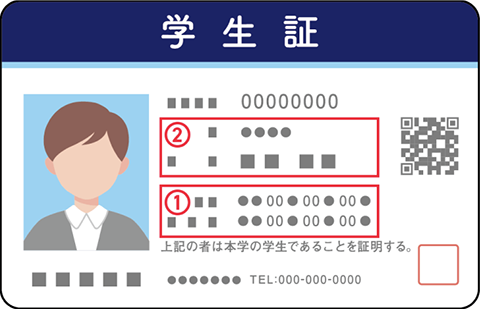
- ① From the school you are currently attending
- ② A page showing your name and date of birth
• Disability certificate
- 1. Documents that include your current address.
- 2. Items within their validity period
- *Please be sure to cover (mask) the "Disability Name (Type of Disability)," "Disability Grade," and "Gender" with a blank piece of paper or similar before uploading. If the relevant sections are not covered, the document will be discarded and your application will not be accepted.
• Disability certificate
- 1. Items that have the issue date indicated or are within their validity period.
- 2. Documents containing a photograph, date of birth, and current address.
- *Please be sure to cover (mask) the "Disability Name (Type of Disability)," "Disability Grade," and "Gender" with a blank piece of paper or similar before uploading. If the relevant sections are not covered, the document will be discarded and your application will not be accepted.
Mental disability certificate
- 1. Items that have the issue date indicated or are within their validity period.
- 2. Documents containing a photograph, date of birth, and current address.
- *Please be sure to cover (mask) the "Disability Name (Type of Disability)," "Disability Grade," and "Gender" with a blank piece of paper or similar before uploading. If the relevant sections are not covered, the document will be discarded and your application will not be accepted.
- If the surname is different from that of the contract holder, the following family verification documents will be required.
- Certificate of residence
- Family register
- Partnership Certificate + (Optional) Partnership Receipt